
Aeterna Lucis Guide: Abilities, Controls & Tower of Light
Complete guide to the Queen of Light's Sword, Empowered Luminous Arrows, Light Dash, Light-Plane Diving, D-pad remapping, and PC specs in Aeterna Lucis.
Abilities, Controls & Systems Filter
Filter confirmed Queen of Light abilities, demo controls, and accessibility options.
Primary attack button — fast horizontal and aerial slashes with reworked hit-feedback.
Ranged trigger + aim stick — fires heavy Empowered Arrows recharged via combat or save points, then standard arrows.
Shoulder dash button — rapid burst dash for evading boss arcs and crossing Tower of Light gaps.
Directional dive inside light fields — zip smoothly through designated luminous streams across zones.
Dedicated heal input — converts gathered combat energy into restorative light during safe windows.
Native D-pad movement, remappable Interact, automatic cursor hiding, and colorblind visual presets.
No abilities or controls match your filter.
| Quick Reference | |
|---|---|
|
|
| Playable Hero | Queen of Light |
| Demo Biome | Tower of Light (100% explorable) |
| Core Weapons | Sword, Bow (Empowered Arrows) |
| Movement Skills | Light Dash, Light-Plane Diving |
| Accessibility | Colorblind presets, D-pad, Menu Brightness |
This guide breaks down the Queen of Light's starting combat and traversal abilities in Aeterna Lucis, alongside a step-by-step walkthrough for the Tower of Light demo, controller remapping fixes, and Steam PC hardware specs.
Queen of Light Abilities & Combat Kit
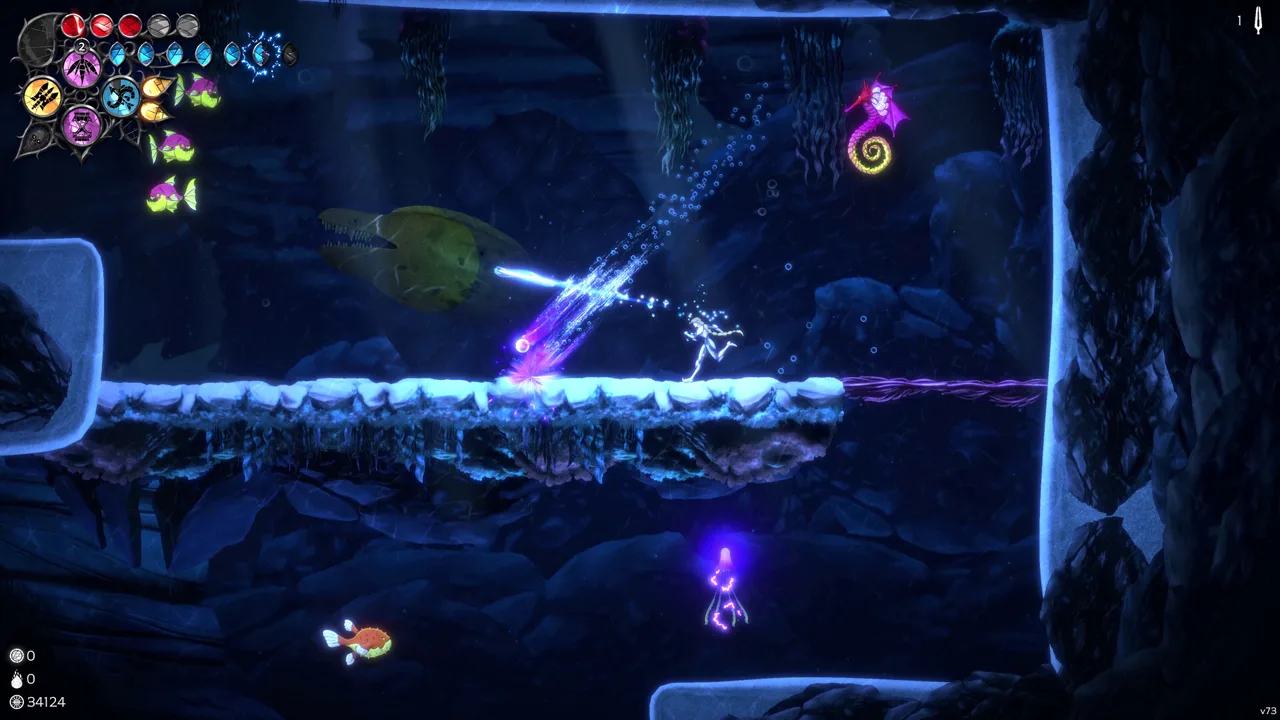
Every core movement and offensive tool in Aeterna Lucis is tuned around seamless exploration across interconnected regions—golden cloud cities, nocturnal jungles, forgotten temples, and light-bathed depths—without loading screens.
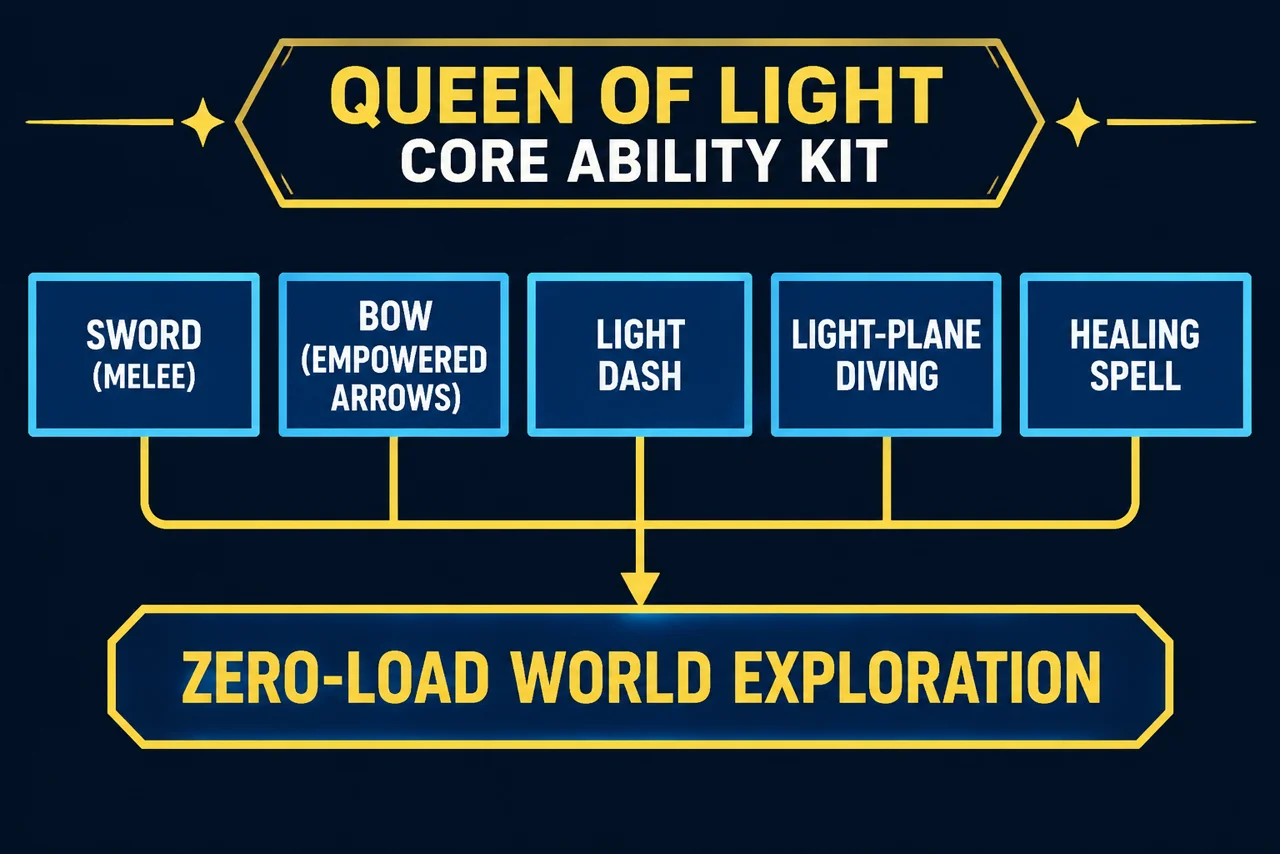
- Sword (Close-Quarters Melee): Delivers fast horizontal and aerial slashes with responsive hit-feedback and tighter hitbox precision than Aeterna Noctis.
- Bow & Empowered Luminous Arrows: Unlike utility bows in the previous title, your bow starts as a primary combat weapon. Empowered Luminous Arrows deal heavy burst damage and recharge via melee combat or save points/roses before dropping back to standard shots.
- Light Dash: A crisp burst dash for crossing horizontal platforming gaps and dodging boss sweeps. Remapped Light Dash inputs inside light zones were fixed in Demo Patch 1.
- Light-Plane Diving: A signature traversal ability that lets the Queen of Light dive into and rocket through designated streams of light to scale vertical shafts and hidden passages.
- Healing Spell & Royal Flames: Converts gathered combat energy into healing light, paired with Royal progression unlocks that expand melee reach, arrow output, and energy efficiency.
Tower of Light Demo Walkthrough & Checklist
The free Steam demo covers the entire opening Tower of Light biome:
- Choose Your Difficulty Mode: Select Aeterna Mode for balanced exploration or Lucis Mode for intense platforming and boss aggression.
- Test Controls Early: Open the Controls menu to verify D-pad movement, remap Interact or Light Dash if preferred, and adjust Menu Brightness or colorblind presets under Graphics.
- Master Light-Plane Diving: Follow illuminated streams inside the Tower to reach elevated side rooms and secret ledges housing Royal progression upgrades.
- Manage Empowered Arrows at Save Roses: Use Empowered Arrows freely on dense enemy rooms, knowing save points and melee strikes replenish charges before the boss gate.
- Clear the Summit Guardian: Apply your full traversal kit against Hilt of Oblivion—see our dedicated Hilt of Oblivion Boss Guide for step-by-step phase tactics.
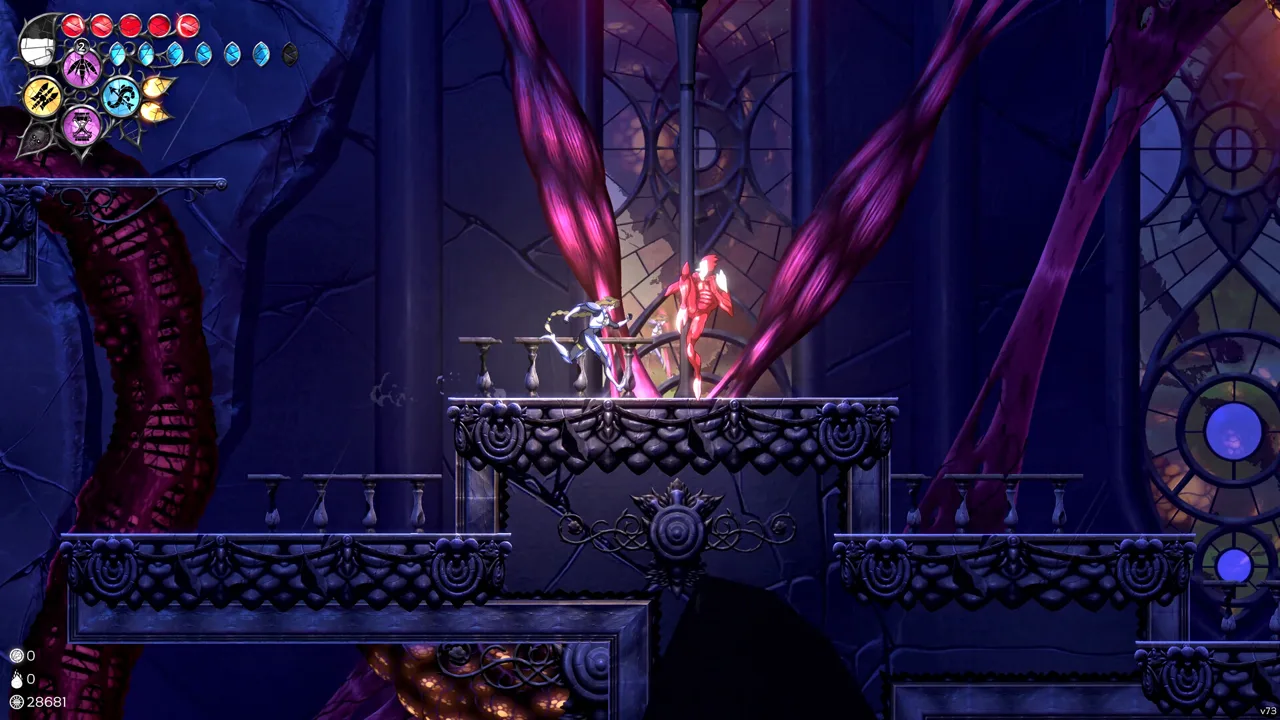
Official Gameplay Showcase
Watch the official 4K gameplay and release date showcase from Aeternum Game Studios below to see Light-Plane Diving, melee-to-bow transitions, and seamless biome streaming in motion.
Controls, Input Support & Accessibility
Aeterna Lucis supports Full Controller Support (including DualSense and DualShock), keyboard and gamepad D-pad movement, Colorblind accessibility options, Camera Comfort, Adjustable Difficulty, and Menu Brightness. On PC, moving a controller automatically hides the mouse cursor until you move the mouse again, and fast travel is locked during active combat so you cannot accidentally warp mid-fight.
PC System Requirements & Supported Languages
| Component | Minimum (64-bit) | Recommended (64-bit) |
|---|---|---|
| OS | Windows 10 | Windows 10 |
| Processor | Intel i5-7400 / AMD Ryzen 3 3200G | Intel i7-7700 / AMD Ryzen 7 1700X |
| Memory | 8 GB RAM | 16 GB RAM |
| Graphics | Nvidia GTX 750 / AMD Radeon HD 7770 | Nvidia GTX 1070 / Radeon RX Vega 56 |
| DirectX & Storage | DirectX 11 · 10 GB available space | DirectX 11 · 10 GB available space |
Aeterna Lucis launches with interface and text support across 11 languages: English, Spanish (Spain), French, German, Italian, Portuguese (Brazil), Russian, Japanese, Korean, Simplified Chinese, and Traditional Chinese. Check Updates & Patch Notes for the complete October 20 Patch 1 list or return to the Main Wiki Page.
Frequently Asked Questions
Can you play Aeterna Lucis with a D-pad?
Yes. Both controller D-pads and keyboard D-pad bindings are supported out of the box, alongside full analog stick, DualSense, and DualShock support.
How do Empowered Luminous Arrows recharge in Aeterna Lucis?
Empowered Luminous Arrows deal heavy burst damage and recharge through melee Sword hits or at save roses before dropping to standard lower-damage arrows.
What are the PC minimum requirements for Aeterna Lucis?
The minimum Steam specification is a 64-bit Windows 10 PC with an Intel i5-7400 or AMD Ryzen 3 3200G, 8 GB RAM, Nvidia GTX 750 or AMD Radeon HD 7770, DirectX 11, and 10 GB of storage.
Does Aeterna Lucis have colorblind and accessibility options?
Yes. Aeterna Lucis includes built-in colorblind accessibility options, adjustable difficulty modes (Aeterna and Lucis), Camera Comfort, Custom Volume Controls, and a Menu Brightness setting.
Can you remap Interact and Light Dash in Aeterna Lucis?
Yes. The October 20, 2026 Demo Patch 1 added Interact key remapping in Controls and fixed Light Dash remapping inside light zones.
Player Notes (0)
Leave a comment (0 comments)